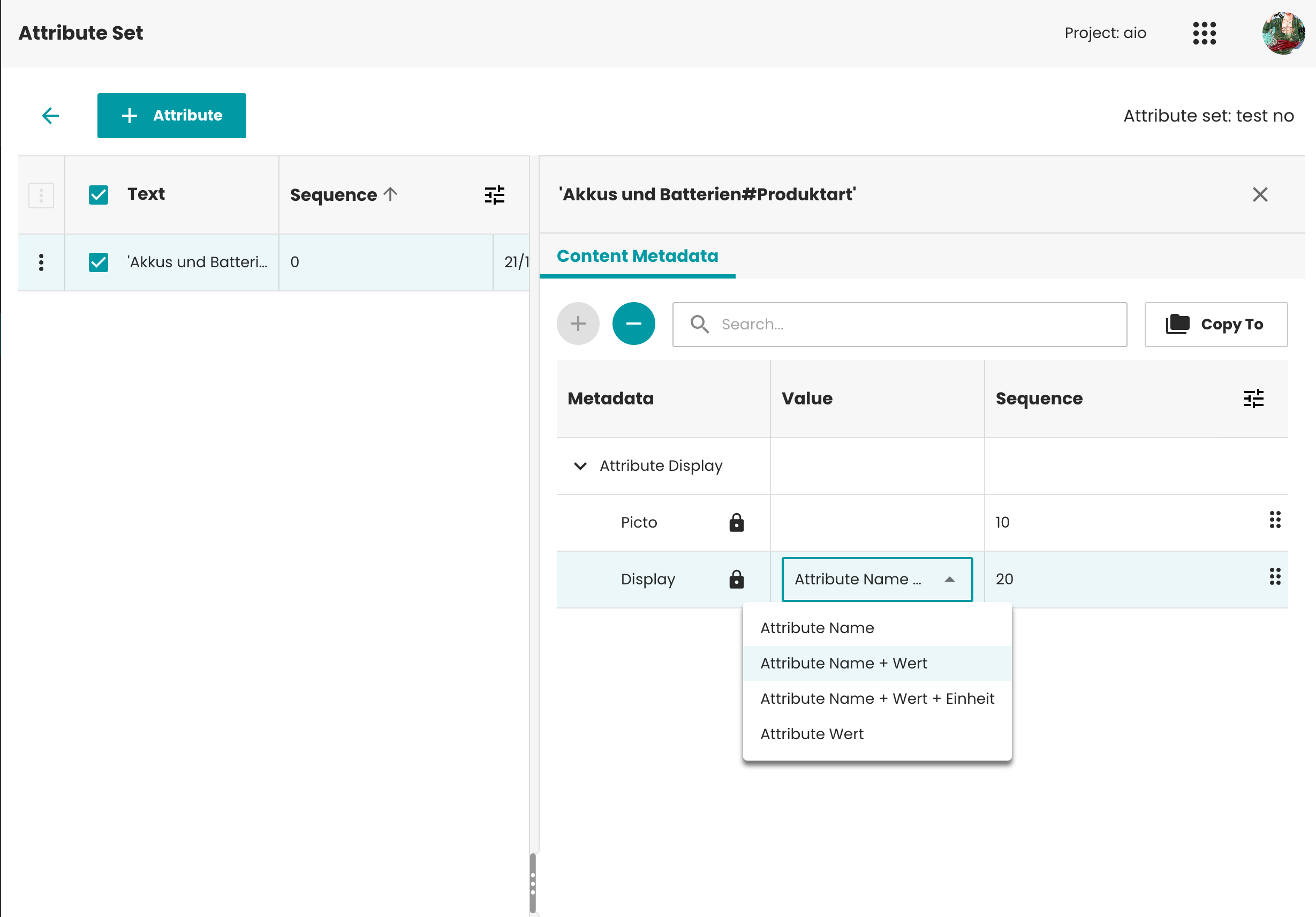
Activate Attribute Set Module
Introduction
This guide provides step-by-step instructions for activating up the Attribute Set module in Data Management application.
Prerequisites
- Pub-Server: 4.7.0+
- Data management: 4.7.0+
The AttributeSet Feature can only be activated and used when the Data Management plugin is properly installed on the publishing server and the sser has been given the appropriate rights for using the module.
Entity Model - Required
To work with Attribute set, you need these entities in your entity model as below:
| Entity ID | Entity Label | Entity Class | Is Root | Connector | Tags | Sub Entities | Cardinality |
|---|---|---|---|---|---|---|---|
| attributeset_collection | Attribute set collection | Bucket | Yes | PublishingHubDB/Mua | em.crud:DELETE_YES;ui.em.crud:DELETE_YES | attributeset_collection and attributeset | _ |
| attributeset | Attribute Set | Bucket | No | PublishingHubDB/Mua | em.crud:DELETE_YES;ui.em.crud:DELETE_YES | attributeset | 1:0/n |
| attribute | Attribute | Text | No | PublishingHubDB/Mua | em.crud:DELETE_YES;ui.em.crud:DELETE_YES | 1:0/n |
Example:

You can find the exact entities in the installation package of the Data Management application. We export it as a part of the
FacetModelentities (in the facet_4.7.0.zip deployment package).
The system will validate the entities when opening the module.
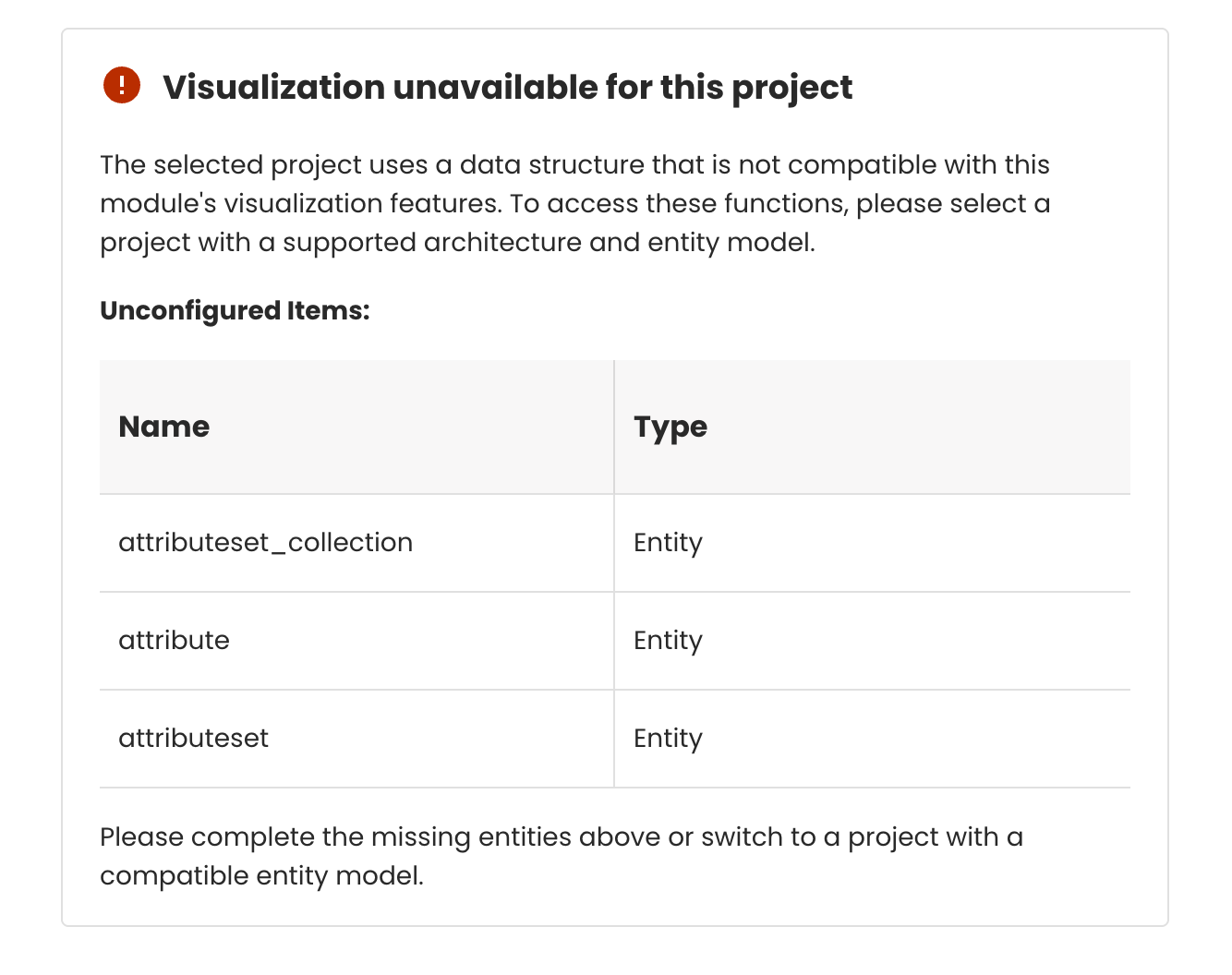
Please note that these entities are supported only in the PublishingHubDB or Mua connector and that they should be properly tagged.
To enable the Data Management to function properly all entities need to be tagged to allow for deletion.
em.crud:DELETE_YES;ui.em.crud:DELETE_YES
Configuration file - Optional
To make full use of the Attribute set module, you need to configure some additional files using ISON.

Enable Default ContentMetadata
Find out how to automatically create ContentMetadata when creating a new Attribute by following our guide here.
Enable Attribute Suggestion
If you want to improve the user experience by suggesting the user a list of attributes during the Attribute Set creation follow our guide here.
Configuration of MetaData Default Dialogs
Just like any of our applications the ContentMetaData can show dynamic dropdowns. Follow the guide for all of our applications with the sample based on the priint:planner here.