FORM Step
Overview
The FORM step displays a dynamic form that allows users to enter or update metadata for a publication. This step is commonly used at the beginning of a workflow to gather essential information before continuing.
The form layout and fields are fully configurable, making this step flexible for many different wizard scenarios.
Key Features
- Renders a customizable form based on configured Form Fields
- Supports both text inputs and more complex controls (dropdown, date, number, etc.)
- Automatically duplicates the publication if the starting point is a Template
- Optionally runs a backend process after duplication
- Ensures users complete mandatory fields before proceeding
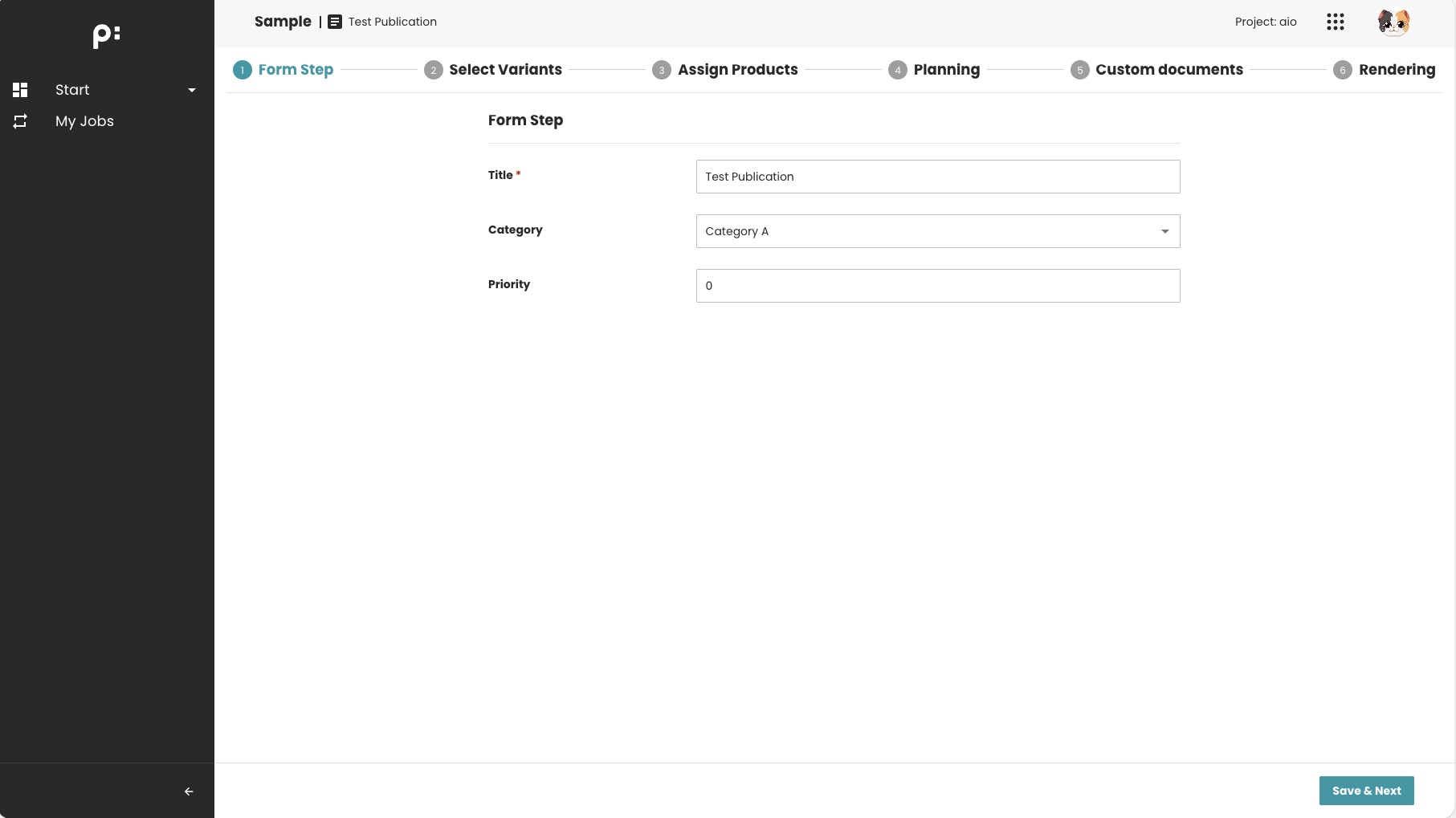
Behavior Summary
-
In Template Mode The system duplicates the template publication. The recursive duplication can be controlled by a boolean flag. Form edits then apply to the newly created publication.
-
In Normal Mode The form directly edits the active publication’s metadata.
-
Metadata Updating Recursively flag The metadata updating could be triggered recursively to all level of the publication by a boolean flag.
-
Validation Required fields must be filled in. Invalid or missing values prevent saving the changes.
Sample Configuration
<wizardSteps>
  <wizardStep id="form_step">
    <label>Form Step</label>
    <type>FORM</type>
    <status>form_status</status>
    <required>true</required>
    <parameters>
      <!-- Form fields -->
      <parameter id="title" key="form_field"/>
      <parameter id="category" key="form_field"/>
      <parameter id="priority" key="form_field"/>

      <!-- Optional post-duplication process -->
      <parameter id="duplicate_post_process">init_process</parameter>
    </parameters>
  </wizardStep>
</wizardSteps>

<formFields>
  <formField id="title">
    <label>Title</label>
    <type>text</type>
    <required>true</required>
    <propertyAttribute>name</propertyAttribute>
  </formField>

  <formField id="category">
    <label>Category</label>
    <type>select</type>
    <selection>category_selection</selection>
    <metadata>category</metadata>
  </formField>

  <formField id="priority">
    <label>Priority</label>
    <type>number</type>
    <metadata>priority</metadata>
  </formField>
</formFields>
Sample Screenshots
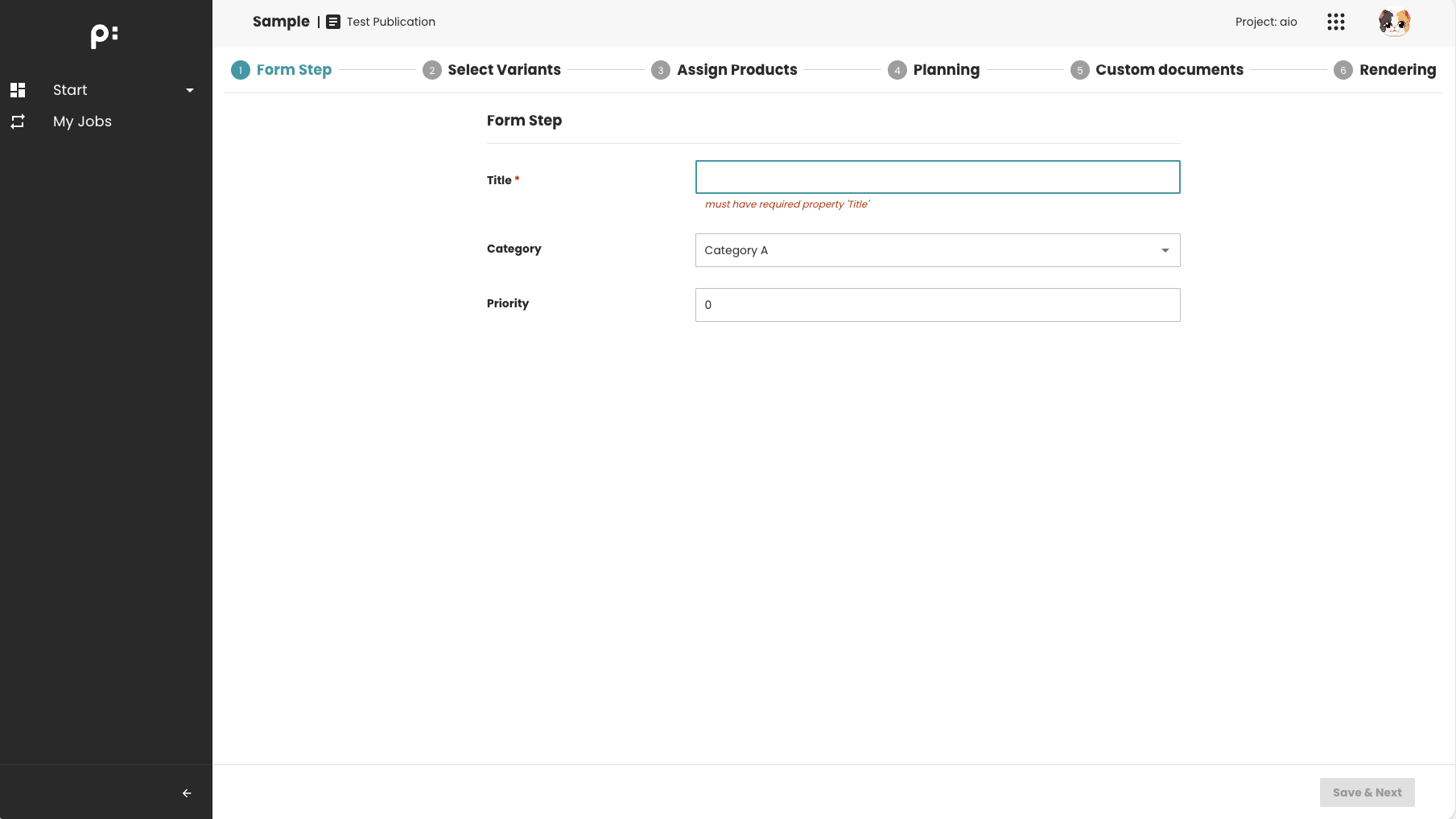
The Form is invalid: the required field is empty ->
Savebutton is disabled.
The required field is filled ->
Savebutton is enabled.
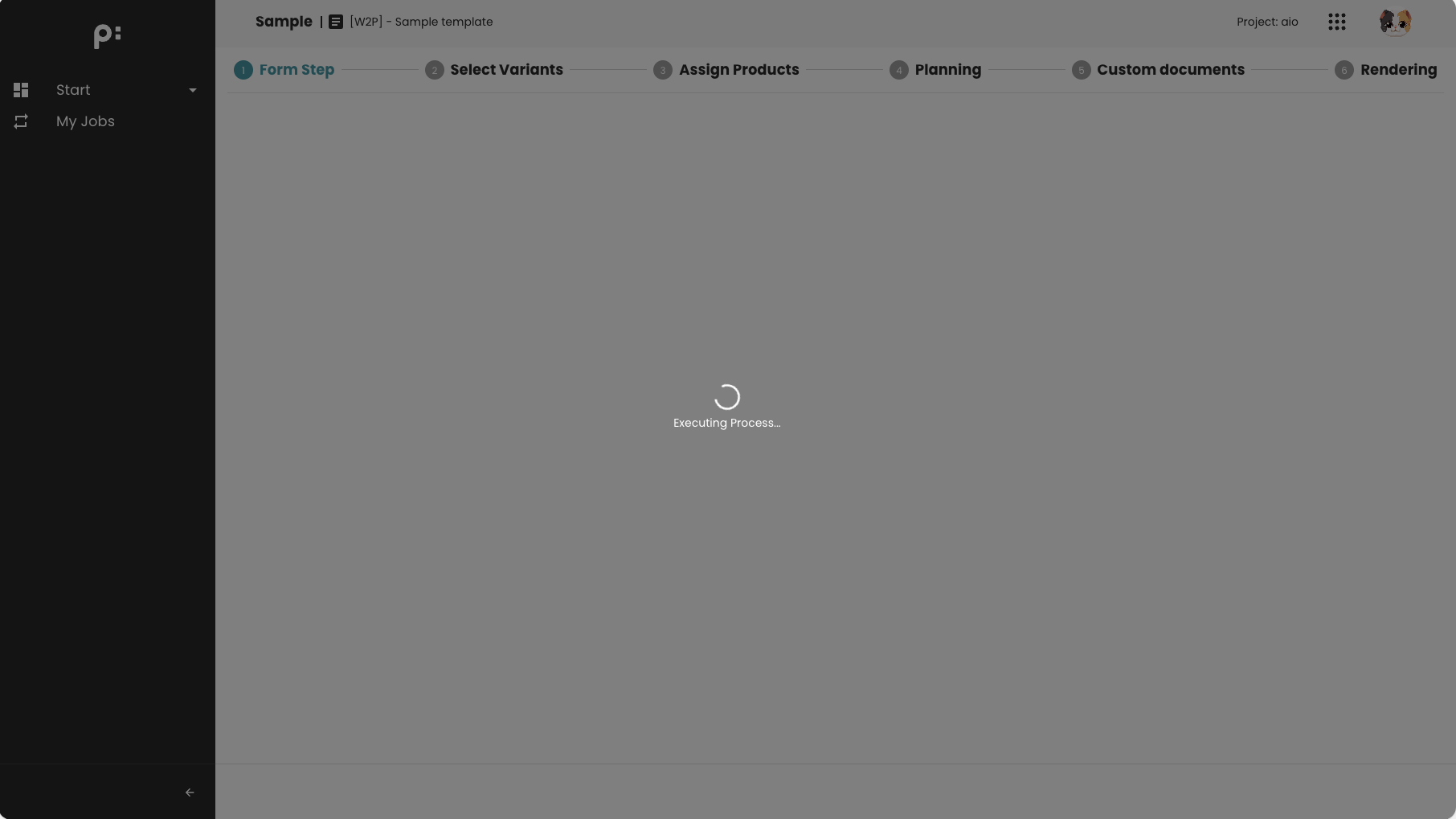
After the publication, a process can be executed for some background tasks (optional)
When to Use This Step
Use the FORM step when you need to:
- Collect user input before performing a process
- Edit metadata associated with the publication
- Initialize or update workflow settings
Notes
- Define form field settings in
<formFields>to ensure proper rendering. - Ordering of
<parameter key="form_field">determines the order in the UI. - Only one optional
duplicate_post_processis supported.